
Choosing the right laptop is one of the most important decisions for graphic design students. Whether you’re creating illustrations, editing high-resolution images, designing UI/UX projects, or working with software like Adobe Photoshop, Illustrator, InDesign, Figma, or CorelDRAW, having a powerful and reliable laptop can significantly improve your productivity.
A good laptop for graphic design should offer a fast processor, sufficient RAM, a color-accurate display, SSD storage, and dedicated or powerful integrated graphics. To help you make the right choice, here are the Top 10 Laptops for Graphic Design Students in India with detailed descriptions and specifications.
1. Apple MacBook Air M3.
Description:
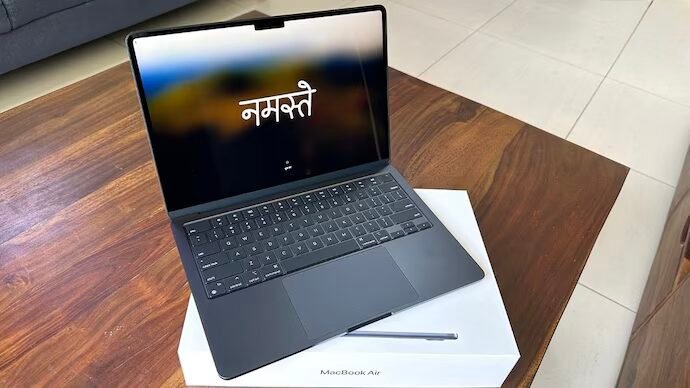
The Apple MacBook Air M3 is an excellent choice for graphic design students who need exceptional performance, long battery life, and a stunning Retina display. The M3 chip delivers smooth multitasking and handles creative applications effortlessly.
Features:
- Processor: Apple M3 Chip
- Graphics: Integrated Apple GPU
- Display: 13.6-inch Liquid Retina Display
- RAM & Storage: 16GB RAM, 512GB SSD
- Operating System: macOS
- Weight: 1.24 Kg
- Additional Features: True Tone Display, Backlit Keyboard, Touch ID, 18-hour Battery Life
2. ASUS Vivobook Pro 15 OLED
Description:
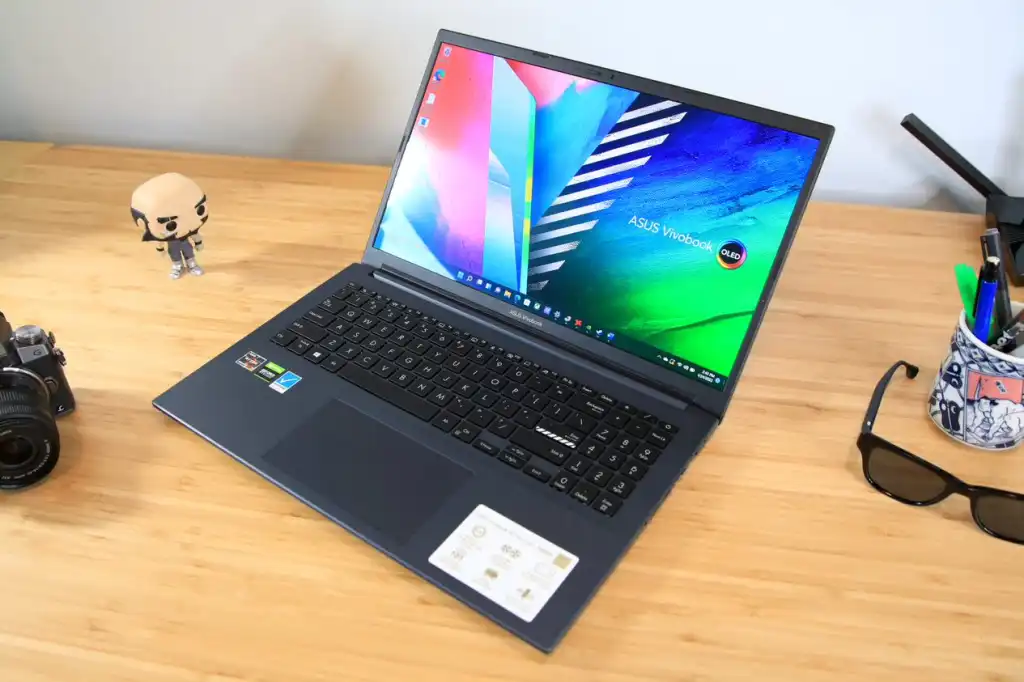
The ASUS Vivobook Pro 15 OLED combines vibrant visuals with powerful hardware, making it ideal for students working on graphic design, video editing, and creative projects.
Features:
- Processor: AMD Ryzen 7
- Graphics: NVIDIA GeForce RTX 3050
- Display: 15.6-inch OLED Full HD
- RAM & Storage: 16GB RAM, 512GB SSD
- Operating System: Windows 11
- Weight: 1.80 Kg
- Additional Features: OLED Display, Fingerprint Sensor, Fast Charging.
3. Lenovo IdeaPad Slim 5
Description:
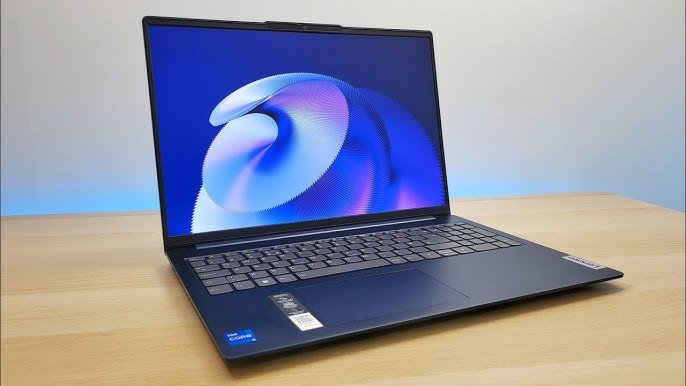
The Lenovo IdeaPad Slim 5 offers an excellent balance of performance and portability. Its high-resolution display and fast processor make it perfect for Adobe Creative Cloud applications.
Features:
- Processor: AMD Ryzen 7
- Graphics: AMD Radeon Graphics
- Display: 14-inch WUXGA IPS
- RAM & Storage: 16GB RAM, 512GB SSD
- Operating System: Windows 11
- Weight: 1.46 Kg
- Additional Features: Dolby Audio, Backlit Keyboard, Rapid Charge
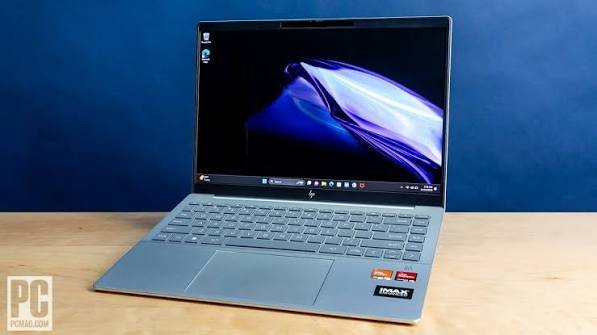
4. HP Pavilion Plus 14.
Description:
HP Pavilion Plus delivers premium performance with an excellent display, making it suitable for graphic designing, photo editing, and digital illustration.
Features:
- Processor: Intel Core i7
- Graphics: Intel Iris Xe Graphics
- Display: 14-inch 2.2K IPS Display
- RAM & Storage: 16GB RAM, 512GB SSD
- Operating System: Windows 11
- Weight: 1.40 Kg
- Additional Features: Bang & Olufsen Speakers, Fast Charging
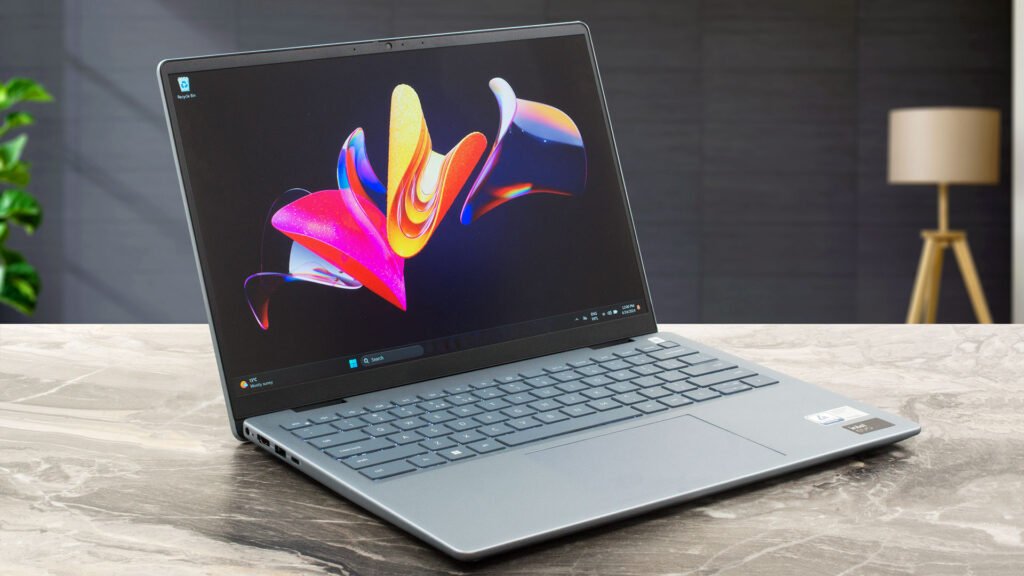
5. Dell Inspiron 14 Plus
Description:
Dell Inspiron 14 Plus is built for creators who need dependable performance and a premium viewing experience. It handles heavy design software with ease.
Features:
- Processor: Intel Core i7
- Graphics: NVIDIA GeForce RTX 3050
- Display: 14-inch QHD+
- RAM & Storage: 16GB RAM, 512GB SSD
- Operating System: Windows 11
- Weight: 1.68 Kg
- Additional Features: ComfortView Display, Fingerprint Reader
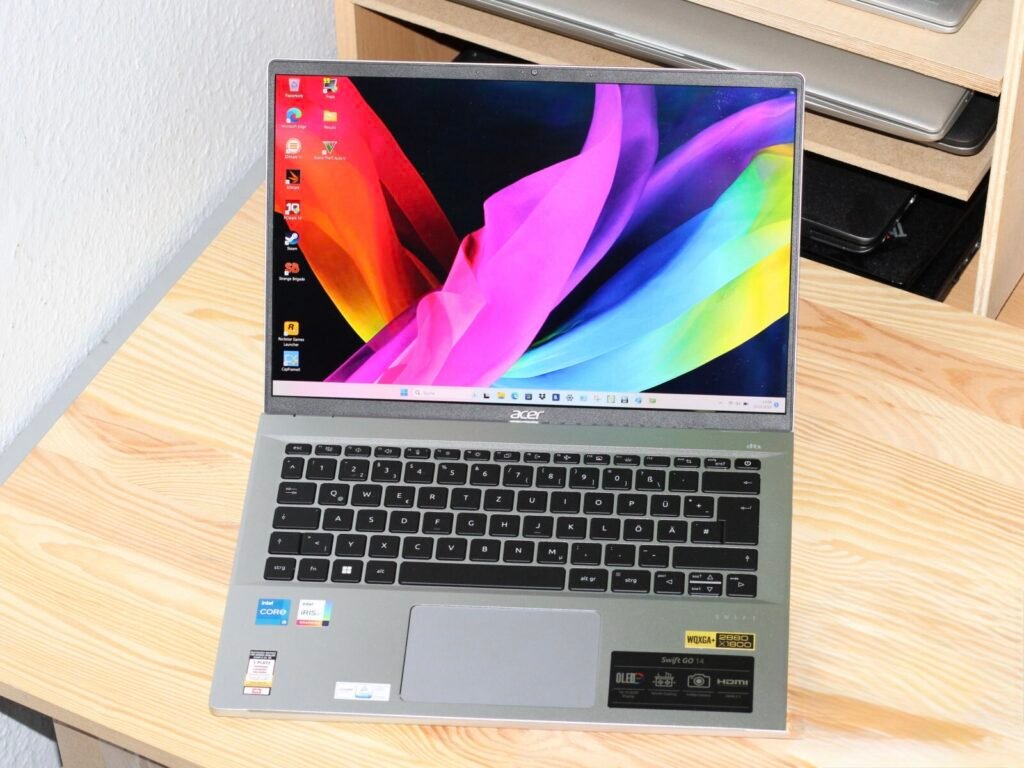
6. Acer Swift Go 14 OLED
Description:
The Acer Swift Go 14 is lightweight yet powerful, making it a great companion for design students who travel frequently between classes and studios.
Features:
- Processor: Intel Core Ultra 5
- Graphics: Intel Arc Graphics
- Display: 14-inch OLED Display
- RAM & Storage: 16GB RAM, 512GB SSD
- Operating System: Windows 11
- Weight: 1.32 Kg
- Additional Features: OLED Display, AI Noise Reduction, Fast Charging
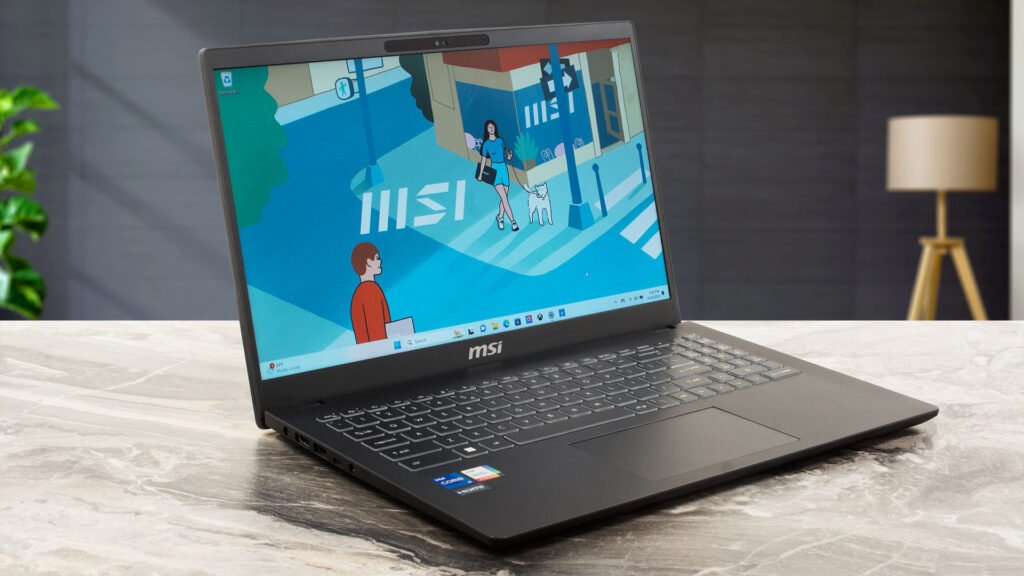
7. MSI Modern 15
Description:
MSI Modern 15 offers reliable performance for students working with graphic design software while maintaining a sleek and lightweight design.
Features:
- Processor: Intel Core i5
- Graphics: Intel Iris Xe Graphics
- Display: 15.6-inch Full HD IPS
- RAM & Storage: 16GB RAM, 512GB SSD
- Operating System: Windows 11
- Weight: 1.70 Kg
- Additional Features: 180° Lay-Flat Design, Backlit Keyboard
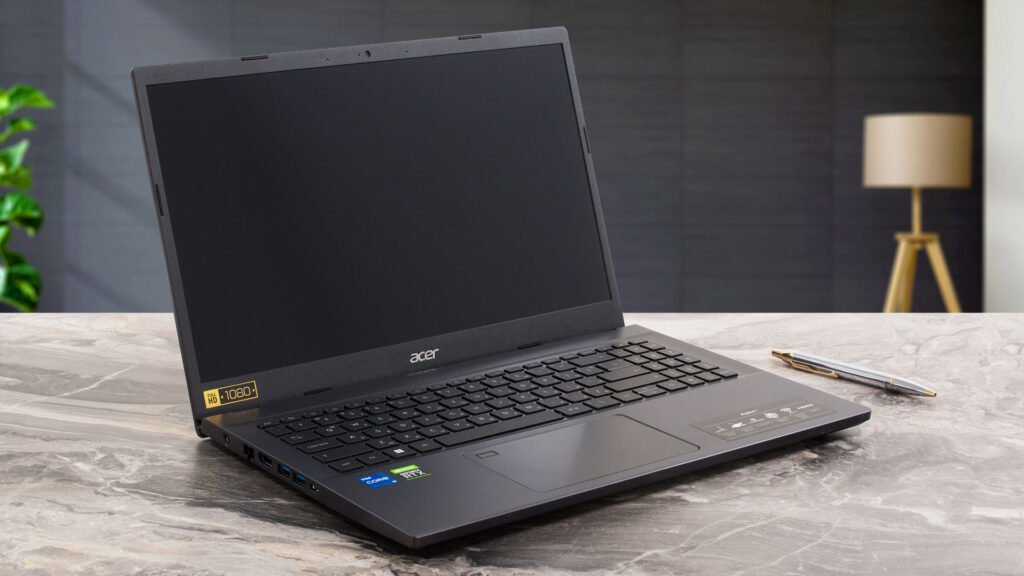
8. Acer Aspire 7
Description:
The Acer Aspire 7 is an excellent choice for graphic design students who need a balance of performance and affordability. Powered by a high-performance processor and dedicated NVIDIA graphics, it handles design software like Adobe Photoshop, Illustrator, InDesign, Lightroom, and Figma with ease. Its Full HD IPS display offers sharp visuals, making it suitable for creative work, multitasking, and content creation.
Features:
- Processor: AMD Ryzen 7
- Graphics: NVIDIA GeForce RTX 3050
- Display: 15.6-inch Full HD IPS Display
- RAM & Storage: 16GB RAM, 512GB SSD
- Operating System: Windows 11
- Weight: 2.10 Kg
- Additional Features: Backlit Keyboard, Dual-Fan Cooling, Wi-Fi 6, Expandable RAM, Premium Build Quality.
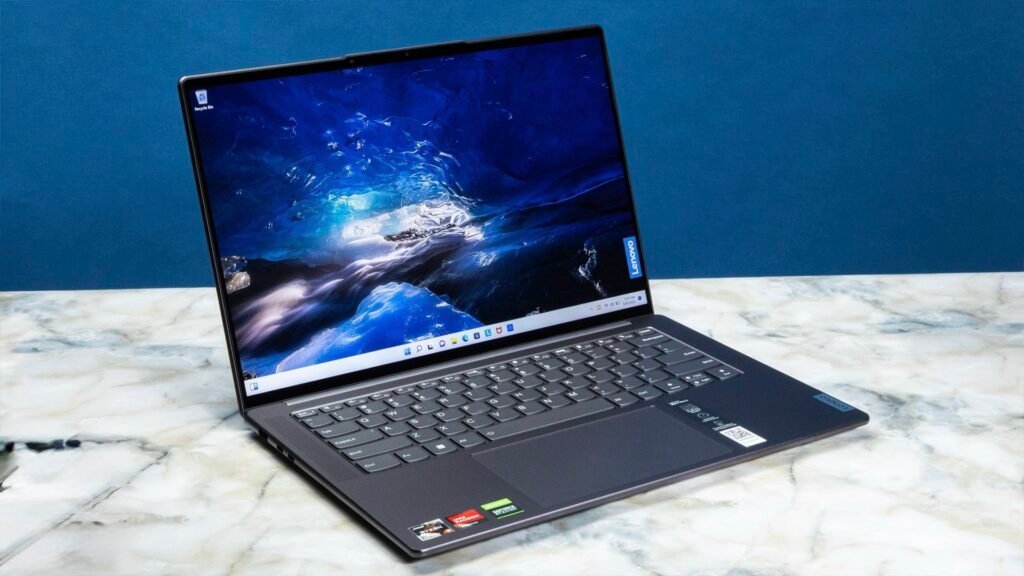
9. Lenovo Yoga Slim 7
Description:
Lenovo Yoga Slim 7 provides a premium build quality with excellent battery life and smooth multitasking, making it suitable for graphic design students.
Features:
- Processor: AMD Ryzen 7
- Graphics: AMD Radeon Graphics
- Display: 14-inch 2.8K OLED
- RAM & Storage: 16GB RAM, 512GB SSD
- Operating System: Windows 11
- Weight: 1.35 Kg
- Additional Features: Dolby Vision, Rapid Charge, Backlit Keyboard
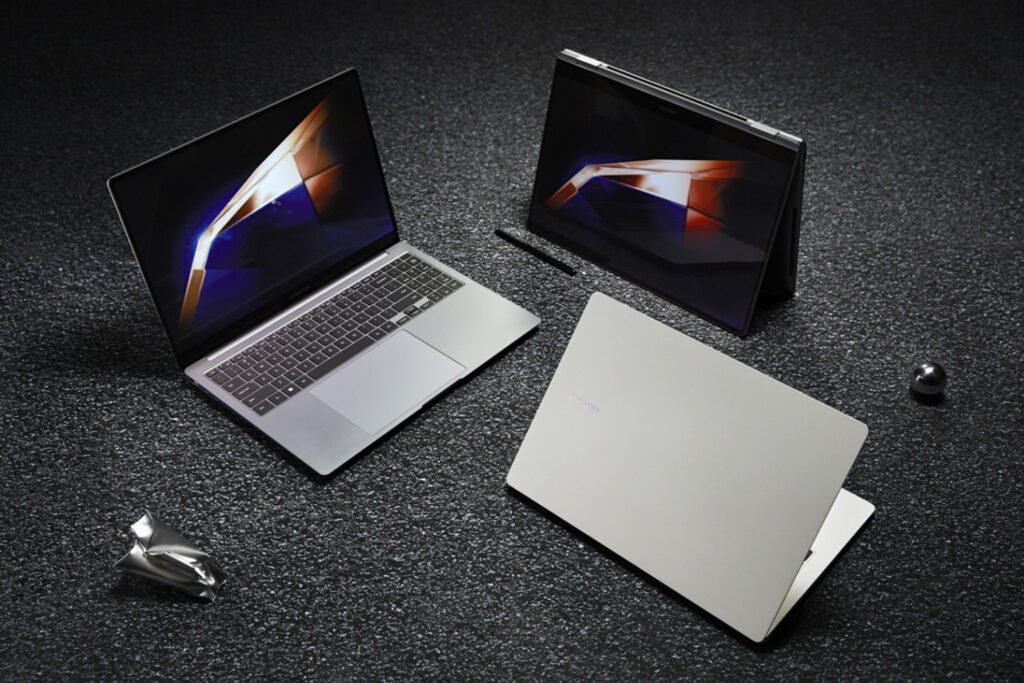
10. Samsung Galaxy Book4
Description:
Samsung Galaxy Book4 combines portability, performance, and a premium display to help students complete design projects efficiently while staying productive throughout the day.
Features:
- Processor: Intel Core 5
- Graphics: Intel Graphics
- Display: 15.6-inch Full HD IPS
- RAM & Storage: 16GB RAM, 512GB SSD
- Operating System: Windows 11
- Weight: 1.55 Kg
- Additional Features: Quick Share, Fast Charging, Dolby Atmos
https://link.amazon/B0fpjMbYU
Conclusion
Selecting the right laptop can make a huge difference in your learning experience as a graphic design student. From creating digital artwork and editing high-resolution images to working on UI/UX projects and motion graphics, every task requires reliable hardware and a high-quality display.
The laptops listed above offer an excellent combination of performance, portability, display quality, and battery life, making them ideal for graphic design students in India. Whether you prefer the seamless experience of macOS or the flexibility of Windows, these options cater to different budgets and creative needs. Evaluate your software requirements, portability preferences, and future career goals before making your final decision, and choose a laptop that will support your creativity throughout your academic journey and beyond.